
Hey there! If you’ve ever wished for a super-smart sidekick that sits quietly in your browser, ready to summarize a 10-page article in seconds, whip up a stunning image from a random idea, draft a professional email, or even help you code without breaking a sweat… then buckle up. I’m about to introduce you to Monica.im one of the most practical, friendly, and genuinely useful AI platforms out there right now.
I first stumbled upon Monica while scrolling Product Hunt (where it was crowned #1 Product of the Day), and honestly? I haven’t looked back. Whether you’re a busy professional, a student drowning in assignments, a content creator, or just someone who wants to get more done with less effort, this tool feels like it was built exactly for real life. Let’s break everything down in plain English no jargon, no fluff so you can decide if it’s the right fit for you.
So, What Exactly Is Monica.im?
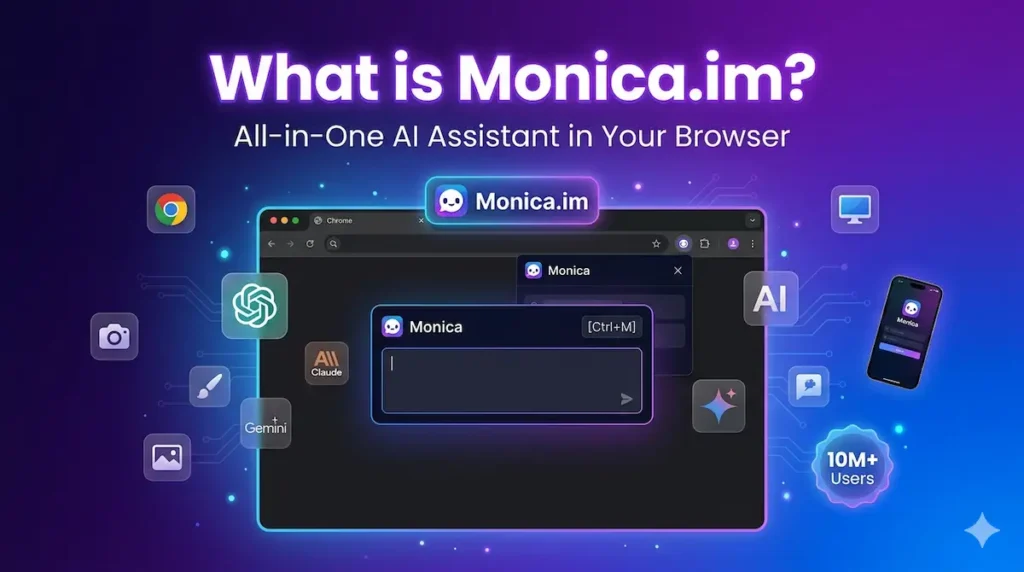
At its heart, Monica.im (https://monica.im/) is an all-in-one AI assistant that brings together the best large language models in one easy-to-use place. Think of it as ChatGPT, Claude, Gemini, and a bunch of specialized creative tools all living under one roof – but way more convenient because it works inside your browser, on your desktop, or even on your phone.
It started as a Chrome extension (and Edge too) but has grown into full desktop and mobile apps. The idea is simple: instead of jumping between five different AI tabs, you hit Ctrl + M (or Cmd + M on Mac) and Monica pops up instantly, understands the webpage you’re on, and helps you right there. No copy-pasting. No context loss. Just smooth, context-aware help.
As of 2026, it boasts over 10 million active users, 20,000+ reviews, and a glowing 4.9/5 rating on the Chrome Web Store. People love it because it’s fast, free to start, and actually saves real time instead of just looking impressive in demos.
The Core Tools That Make Monica Shine
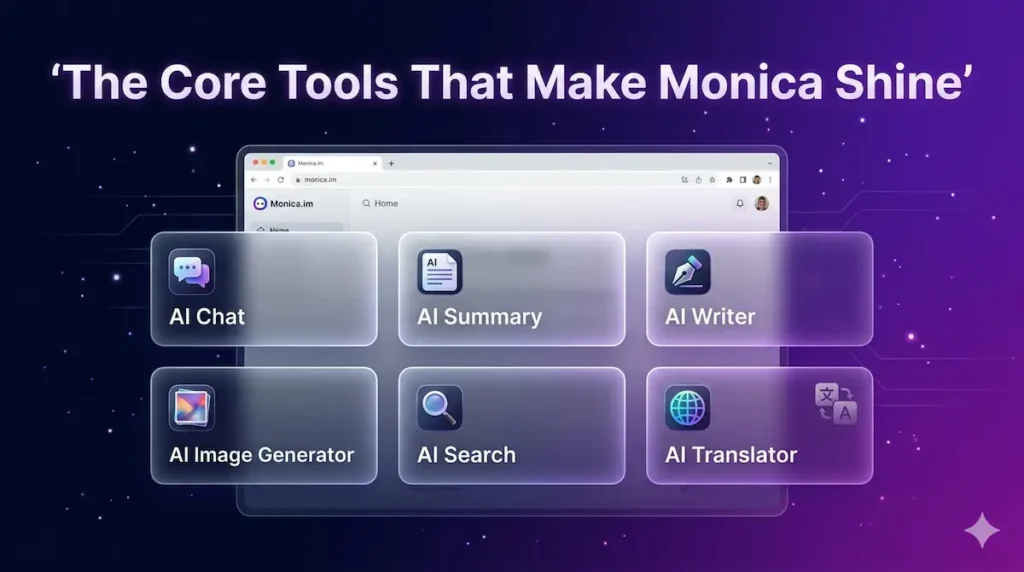
Let’s walk through the main features one by one the ones you’ll use every single day.
1. AI Chat – Your Personal Brainiac
You get access to the absolute latest models: GPT-5.2, Claude 4.5 Sonnet, Gemini 3 Pro, Google Nano-Banana, and more. Switch between them with one click depending on whether you need creative flair (Claude), speed (GPT), or research depth (Gemini). It feels like having a whole team of AIs in your pocket.
2. AI Summary – The Time-Saver You Didn’t Know You Needed
Highlight any article, YouTube video, or PDF and Monica instantly gives you the key points, timestamps, and highlights. Users swear it cuts reading time by up to 90%. Perfect for research, staying updated, or prepping for meetings.
3. AI Writer – Your Personal Editor on Steroids
Need to write a blog post, LinkedIn update, sales email, or even a love letter? Monica can draft from scratch, rewrite awkward sentences, make content 10x more engaging, or match your tone perfectly. It works directly inside Gmail, Google Docs, Notion wherever you’re typing.
4. AI Search – Google, But Smarter
Regular Google gives you links. Monica gives you answers pulling real-time web info and showing them right next to traditional search results. It’s like having an expert researcher sitting beside you.
5. AI Translator – Breaking Language Barriers
Translate entire webpages instantly so you can read in your native language while keeping the original layout. Supports over 100 languages and feels seamless.
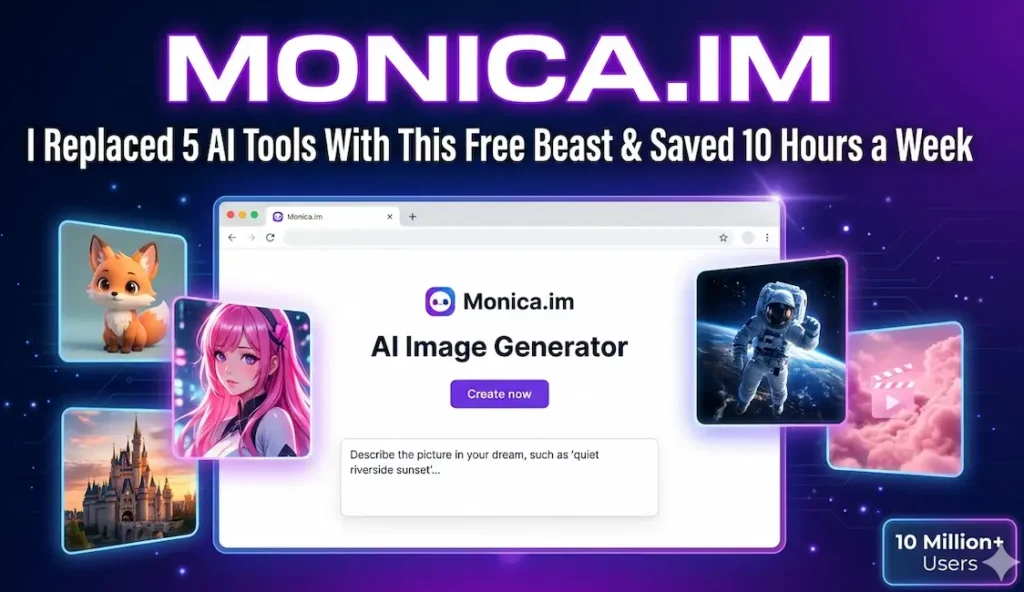
6. AI Art / Image Generator – The Creative Playground (Exactly What the Screenshot Shows!)
This is where things get fun. Head over to the image tools section (monica.im/en/image-tools/ai-ir) and you’ll see exactly what’s in the screenshot you shared.
You get a clean, beautiful interface with a big prompt box that says “Describe the picture in your dream, such as ‘quiet riverside sunset’…”
Supported models include:
- Stable Diffusion 3.5
- Flux Schnell 1.0 (super fast while keeping quality)
- Flux Dev 1.0
- Playground V2.5
- Ideogram V2
- Recraft V3 Raw
You can pick styles like Auto, 3D Anime, 3D Model, Japanese Anime, Movie, or Comic. The “Try these” buttons give instant inspiration: Astronaut in Space, Medieval Castle, Volcanic Eruption, etc. Hit “Create now” and watch the magic happen. It’s completely free to start, with generous daily limits.
There’s also an AI Headshot Generator for professional photos and photo-to-style transformations. Whether you’re designing social media graphics, book covers, or just having fun, this tool feels premium.
7. AI Video Generation
Powered by models like Sora 2, you can turn text into short videos. Still in its exciting early days, but already powerful for creators.
8. Bot Platform – Build Your Own AI Helpers
No coding needed! Using Claude 3.5, you can create custom bots for specific tasks (customer support, personal tutor, workout planner) and even share them with friends or the community. Infinite skill expansion makes this super powerful.
9. AI PowerUP & Smart Toolbar
This is the part that feels futuristic. Select any text on a webpage and a little toolbar appears: Explain it simply, Translate it, Summarize it, Rephrase it, or apply a custom “PowerUP” skill. It works on emails, contracts, research papers anywhere.
Specialized Tools for Real Work
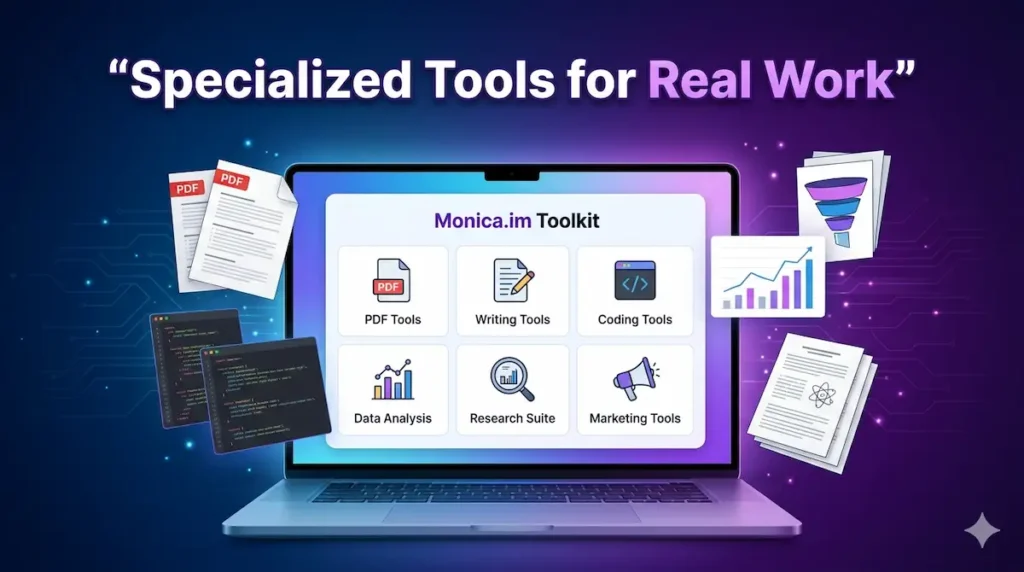
Monica doesn’t stop at the basics. The Toolkit section (monica.im/tools) is packed with niche helpers:
- PDF Tools: Chat with any PDF, extract insights, summarize long reports.
- Writing Tools: SEO-optimized blog posts, ad copy, social media captions.
- Coding Tools: Generate code, debug, explain Stack Overflow answers, optimize scripts.
- Data Analysis: Turn raw data into charts, SQL queries, or Python scripts.
- Research Suite: Literature reviews, citation generators, academic frameworks.
- Marketing & Business Tools: Competitor analysis, customer persona creation, email follow-up strategies, content calendars.
It even has smart agents that can automate multi-step workflows across websites. Pretty mind-blowing stuff.
Who Is Monica.im Perfect For?

Honestly, almost everyone but it shines brightest for:
- Students & Researchers: Summarize papers, generate citations, brainstorm essays.
- Content Creators & Marketers: Write faster, create visuals, plan campaigns.
- Developers & Coders: Get code suggestions in context.
- Professionals & Entrepreneurs: Analyze emails, draft replies, track competitors, prepare presentations.
- Freelancers: Juggle client work with beautiful deliverables in minutes.
- Casual Users: Just want a smarter way to browse the web, translate foreign sites, or generate fun images.
If you’re already using ChatGPT or Claude separately, Monica feels like upgrading from a bicycle to an electric scooter same destination, way more fun and efficient.
Pricing – Surprisingly Fair
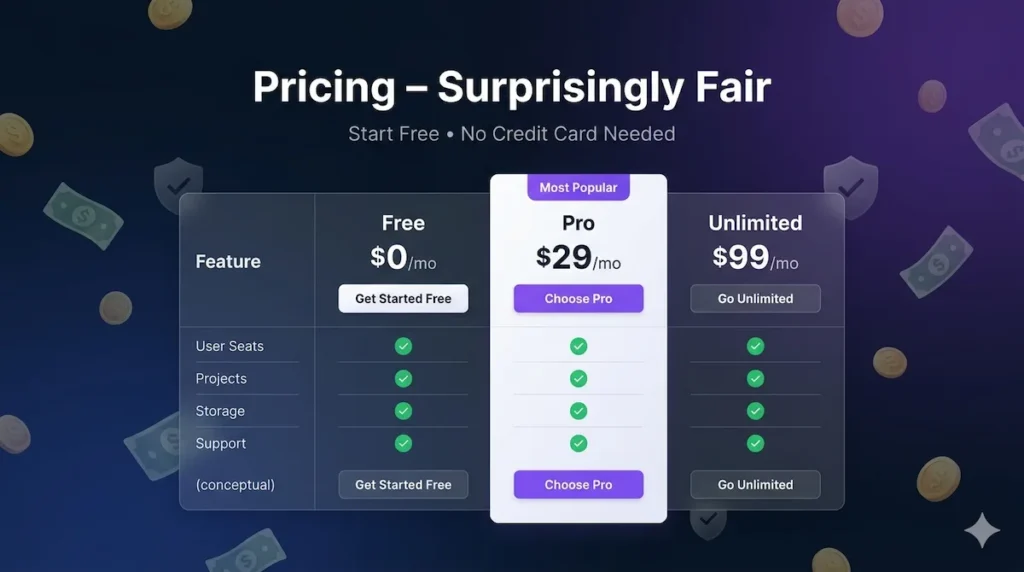
- Free Plan: Generous daily limits on chat, image generation, and most features. Perfect to test the waters.
- Pro / Pro Plus / Unlimited Plans: Start around $24.90/month for unlimited usage, higher model access, and priority speed. Annual plans bring it down nicely. Way more affordable than subscribing to multiple standalone AI services.
You can literally start for free today by adding the Chrome extension.
Final Thoughts: Why Monica.im Feels Different
In a world full of flashy AI tools that promise the moon but deliver complexity, Monica stands out because it’s practical. It respects your time, works where you already work, and keeps getting better with new models and features.
The team clearly listens to users the interface is clean, the hotkeys are intuitive, and the daily free limits are actually usable. Whether you’re generating dreamy riverside sunset images (like the example prompt they give), summarizing a boring 40-minute YouTube video, or building a custom AI bot for your side hustle, Monica just… gets out of the way and lets you create.
So, if you’re tired of switching tabs and want one reliable AI companion that handles chat, writing, images, research, and more give Monica.im a try. Head to https://monica.im/, click “Add to Chrome It’s free,” and see the difference yourself.
Trust me, once you start using it, you’ll wonder how you ever got anything done without it.
FAQ: Frequently Asked Questions About Monica.im
Q1: What exactly is Monica.im?
Yes! Monica.im offers a very generous free plan with daily limits on chat, image generation, and most features. You can start using it right away without a credit card. If you need unlimited usage or access to the latest models, paid Pro plans start at a very reasonable price.
Q2: Is Monica.im completely free to use?
Yes! Monica.im offers a very generous free plan with daily limits on chat, image generation, and most features. You can start using it right away without a credit card. If you need unlimited usage or access to the latest models, paid Pro plans start at a very reasonable price.
Q3: How good is the AI Image Generator in Monica.im?
Extremely good! It supports top models like Flux Schnell 1.0, Stable Diffusion 3.5, Ideogram V2, and Recraft V3. You can create stunning images, anime, 3D models, movie-style scenes, and more in seconds just by typing a description. The interface is super simple and beginner-friendly.
Q4: Who is Monica.im best for?
It’s perfect for students, content creators, marketers, developers, freelancers, researchers, and busy professionals basically anyone who wants to work faster and smarter with AI.
Q8: Is my data safe on Monica.im?
Yes. Monica.im takes privacy seriously. Your chats are not used to train models unless you explicitly allow it, and they follow strict data protection standards.